
Play & Support
How to start, the controls, what your browser needs, whether the server is up, answers to the usual questions, and how to reach a person.
Server status
Game server
world.playcronous.com Checking…- Last reported state
- No previous result
- Players online
- Not reported
Checks once on page load. Refresh manually for an update.
How to start
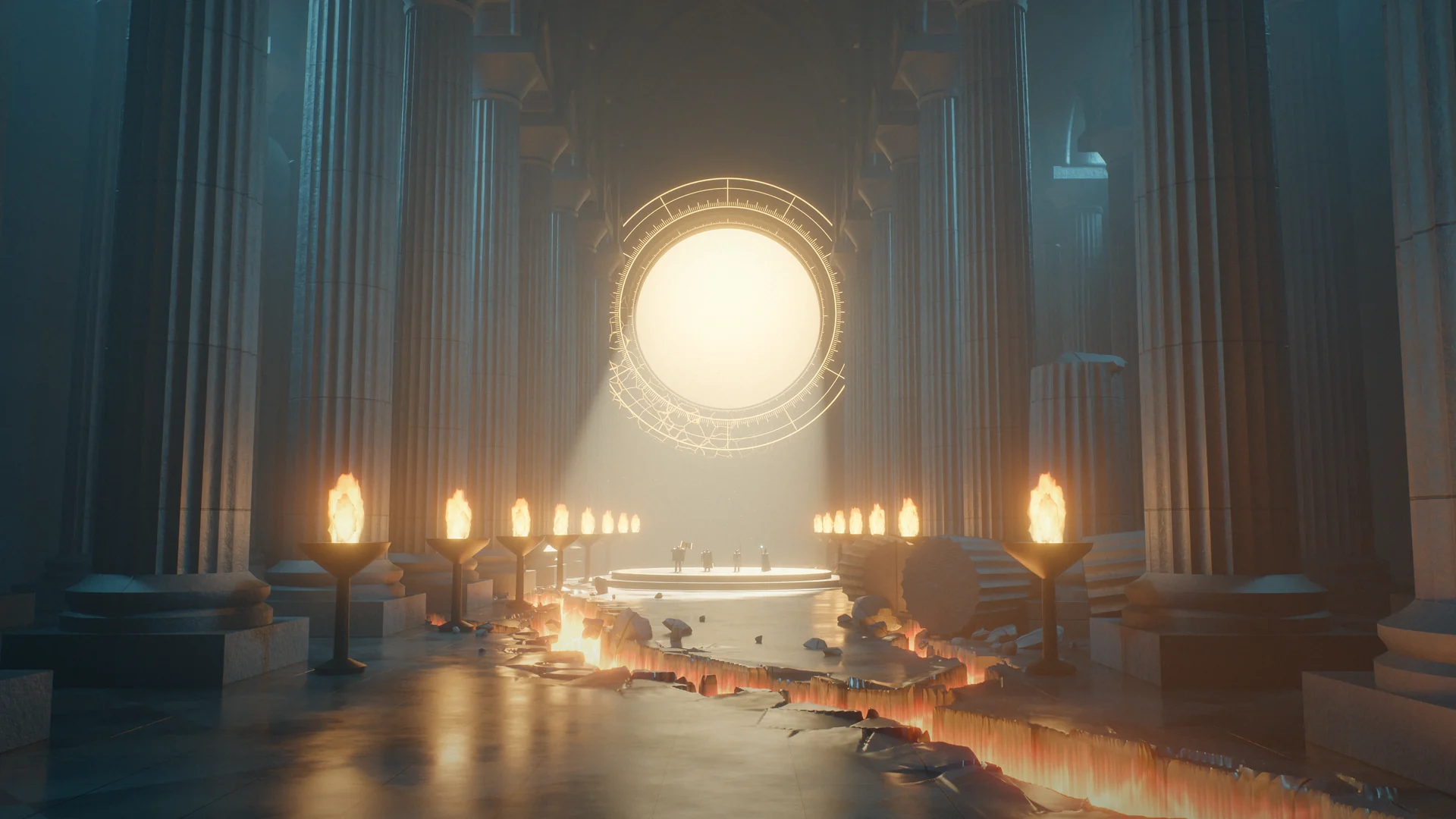
Four screens stand between you and Castle Cronous. They use the same backdrops you see on this site, so you'll know the way.
- Title. Press Play Now here, then Enter Cronous on the title screen. Music starts when you click or press a key; the speaker button mutes it.
- Server. Choose a server. The channel list checks that it answers and unlocks its channel. If it says "Checking servers…" for long, press Refresh connection and look at the status above.
- Account. Login with an existing account, or Register: 3 to 24 letters, digits or underscores for the name, at least 12 characters for the password. Accounts are saved on the server; there is no second password and no email step.
- Hero. Pick a slot, choose Fighter, Valkyrie, Magician or Savage, name your character and confirm. You arrive at Castle Cronous with starter supplies and an onboarding offer from the castle's NPCs.
Returning player? Your account and characters persist between visits. If you clear the browser's site data the game re-downloads its assets on the next visit, but your heroes live on the server and are unaffected.
Controls
Cronous is a mouse game. The keyboard carries a handful of shortcuts.
| Action | How |
|---|---|
| Move | Left-click the ground. Click again to change course; the hero follows the terrain and the server's collision. |
| Attack | Left-click a monster. Your hero closes in and keeps swinging until the target falls or you walk away. |
| Talk, trade, open a gate | Left-click an NPC or a door, or press E when you are standing next to one. |
| Pick up loot | Left-click the item on the ground. Monster drops can be taken by any player at once; tutorial rewards only by their recipient. |
| Use an item | Right-click it in the inventory. Potions in the quick slots fire from the bottom bar; automatic HP and MP potions can be set per slot. |
| Skills | Open Skills from the bottom bar, drag a skill to the bar, click it to cast. Up to eight auto-skills rotate on their own once set. |
| Chat | Enter opens the chat line; F9 and F10 grow and shrink the history. |
| Warehouse | B at a warehouse keeper. |
| Windows | Inventory, Character, Skills, Quest, Map and the System menu are buttons on the bottom bar; Esc closes dialogs. |
Requirements
| Operating system | Any: macOS, Windows, Linux, ChromeOS, Steam Deck. |
|---|---|
| Browser | A current Chrome, Edge, Firefox or Safari with WebGL 2 and hardware acceleration on. |
| Graphics | Anything that runs WebGL 2; integrated graphics are fine. |
| Download | None. Assets stream on demand (a few hundred megabytes over time) and cache locally. |
| Patches | Automatic. Reload the game page to fetch the current release. |
| Input | Mouse and keyboard. Touch works for menus but the world wants a pointer. |
Classic and Reborn
| Classic | Reborn |
|---|---|
| Download the client, run the installer, patch by hand | Press Play |
| Windows and DirectX only | Any OS with a modern browser |
| Several servers, weekly maintenance windows | One world at world.playcronous.com, maintenance announced on the News page |
| Account, second password, point purchase, premium item shop | Account and password only. No cash shop. |
| 1024 × 768, a fixed-height camera | Your window, the same fixed-height camera |
Troubleshooting
The page loads but the world stays black
WebGL is off or software-rendered. In Chrome, open Settings › System and turn on Use graphics acceleration; in Firefox, Settings › General › Performance. Then reload.
"Checking servers…" never finishes
The client has not confirmed a connection. Use Refresh status above to check readiness, then try Refresh connection in the client. An unavailable status check does not prove the game is offline. If the problem persists, send a 1:1 question.
No music
Browsers block sound until you interact with the page. Click anywhere or press a key on the title screen; the speaker button in the corner toggles music and remembers your choice.
Loading stalls partway
Reload the tab. Everything already fetched is cached, so the second attempt is quick. A very slow or metered connection can take a few minutes the first time.
I forgot my password
There is no email recovery yet. Register a new account, or send a 1:1 question with your account name so a GM can help.
Can I play on my phone?
You can reach the title screen and the menus, and the world will render, but Cronous is built around precise clicks. A laptop or desktop with a mouse is the way to play it.
Frequently asked questions
Is this the real Cronous?
Yes. Reborn is rebuilt from the classic client's own data: the same zones from Castle Cronous to the Tower of Despair, the four classes and their second classes, the combine formulas, the music. It is rendered through a WebGL engine instead of the retired DirectX client, and the server is a new one that speaks the game's own protocol.
Do I need to download or install anything?
No. If you can read this page in a current browser, you can play. The first visit streams a few hundred megabytes of assets over time and caches them; later visits start in seconds.
Is it free?
Yes. There is no item shop, no point purchase and no premium package. Everything the Classic shop sold is found, dropped or combined in the world.
Which server do I pick?
There is one world, at world.playcronous.com, with a single channel. More channels open if the population needs them.
Where are my Classic characters?
Classic characters did not carry over; everyone starts fresh in Reborn. Accounts and heroes made here are saved between sessions.
How do I make an account?
From the title screen: Enter Cronous → choose the server and channel → Register. Account names are 3 to 24 letters, digits or underscores; passwords are at least 12 characters. Do not reuse a password from another service.
Does the Classic client still work?
No. The Classic client is retired along with its DirectX requirement; Reborn runs in the browser.
Can I play with friends?
Yes. Everyone shares one world, so meet in Castle Cronous, form a party (party experience shares with a bonus per member) and go. Guilds, apprenticeships and trade work as they did.
Is there PK?
The PK rules of the original are being restored zone by zone. Service towns are safe; the wilds are not. Check the Game Guide for the current state.
Something is wrong with my character or an item
Send a 1:1 question with your account name, the character, the zone, what you did and what you saw. Screenshots help. Do not include your password.
1:1 Question
Write to the team directly. Include your account name (never your password), your browser and operating system, the zone and time, and what you expected to happen.
The support address and community link are set in assets/js/config.js.
Service guideline
- One account per person is plenty; make as many heroes as the slots allow.
- Use a fresh password. Accounts are stored on the server and there is no email recovery yet.
- No third-party clients, bots, packet tools or exploits.
- Be kind in chat. The word filter is on; GMs can mute.
- This is an open test of a restoration project. Characters may be migrated between builds; they are not wiped without notice on the News page.
License agreement
Cronous Reborn is a preservation and restoration of the classic game by LIZARD interactive Co.Ltd.; later guide material appeared under NEOWIZ ABLE STUDIO Corp. and GameOnStudio Co.,LTD. The project reproduces the game from its own data for players who can no longer obtain or run the original. The web client, server and this website are new works. The REBORN mark and the sun emblem belong to this project.
By playing you agree that your account name, password hash, characters and game actions are stored on the game server, and that they may be reset during the open test with notice on the News page.